You saved it for a reason.
Recall is an Android app that makes your screenshots searchable, sorts them into collections, and keeps a note about why each one mattered.
From a buried screenshot to something you can act on
Recall answers three questions: where is it, where should it go, and why did I save it.
Bring screenshots in
Choose screenshots yourself, or allow automatic import with the photo access you grant.
Add the reason
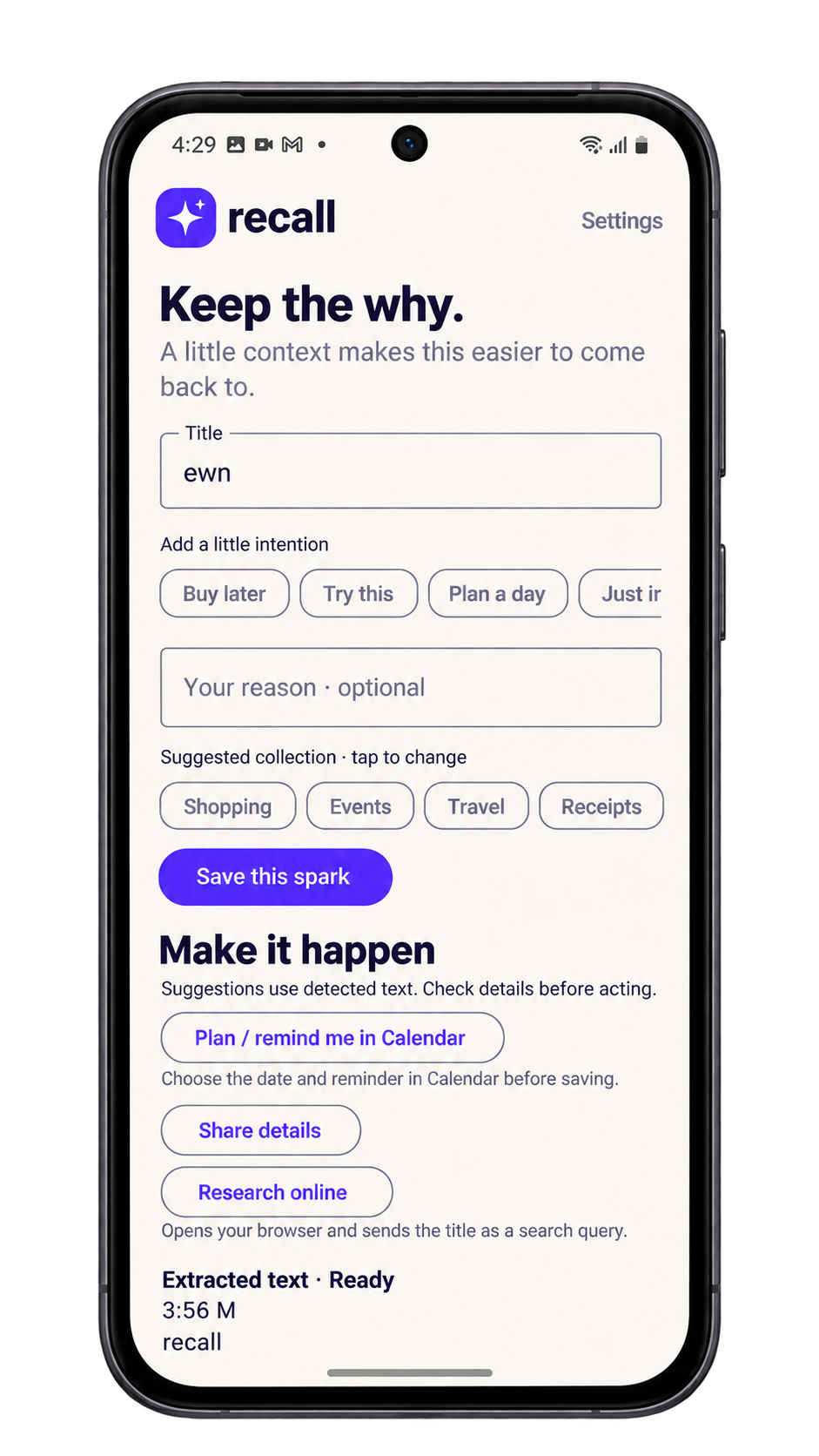
Give each save a title, a note or an intention like “Buy later” or “Try this,” and move it to the right collection.
Find it later
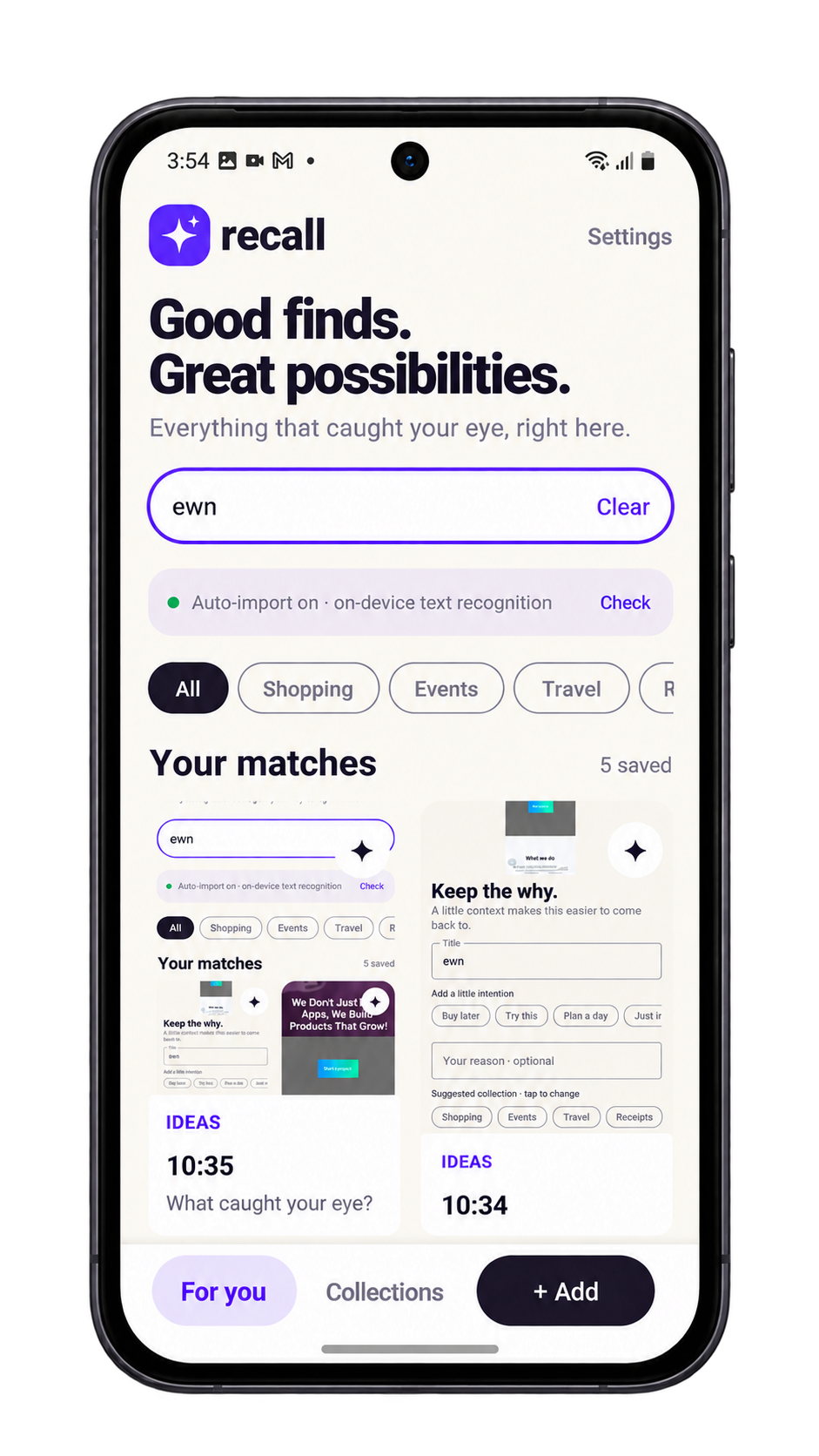
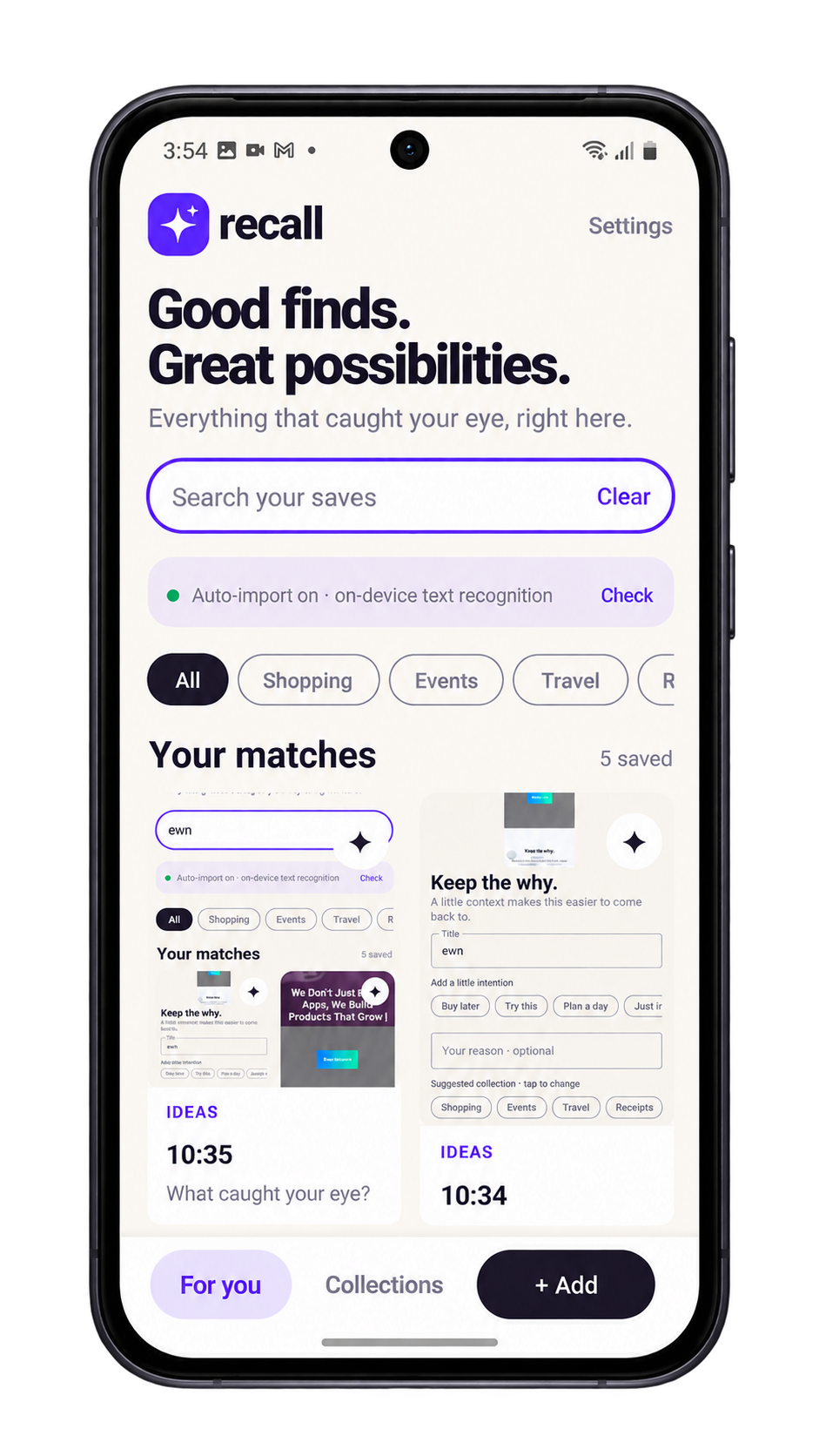
Search a word from the image, a title or your note. Or open the collection and browse.
Everything Recall does, nothing it doesn’t
A focused set of tools for finding, organizing and remembering.
Search by what you remember
Recall searches recognized text, screenshot titles and your own notes in one place.
Text recognition on-device
Latin-script text is read on your phone.
Collections
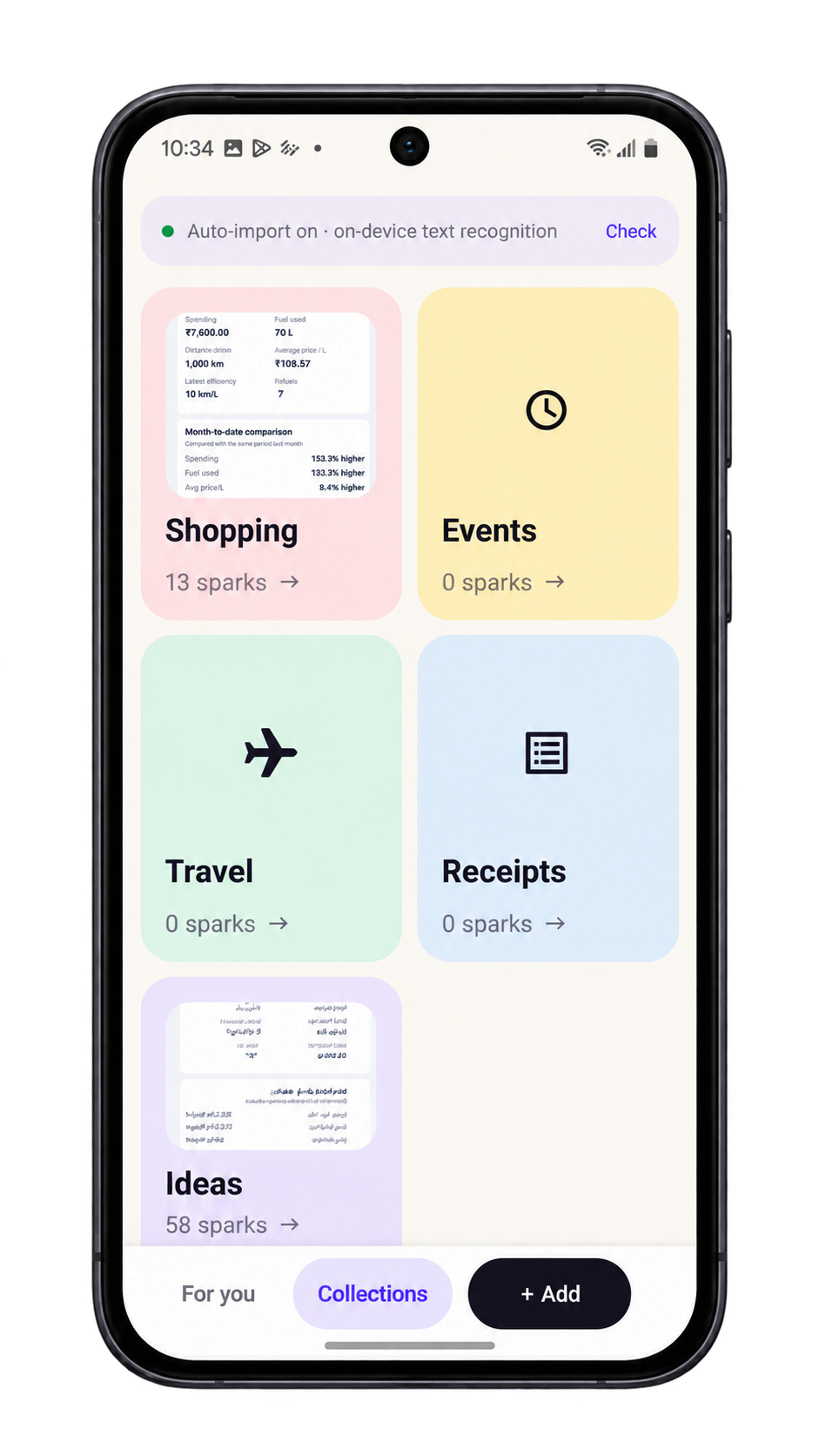
Browse by purpose. Reassign a save whenever it fits somewhere better.
Titles, notes and intentions
Replace “Screenshot_2025…” with a name that means something, then write what to do next. You can also open Calendar, share or research online from the details screen.
Import controls
Turn automatic importing on or pause it from Settings. Timing can vary with Android’s background limits.
Data controls
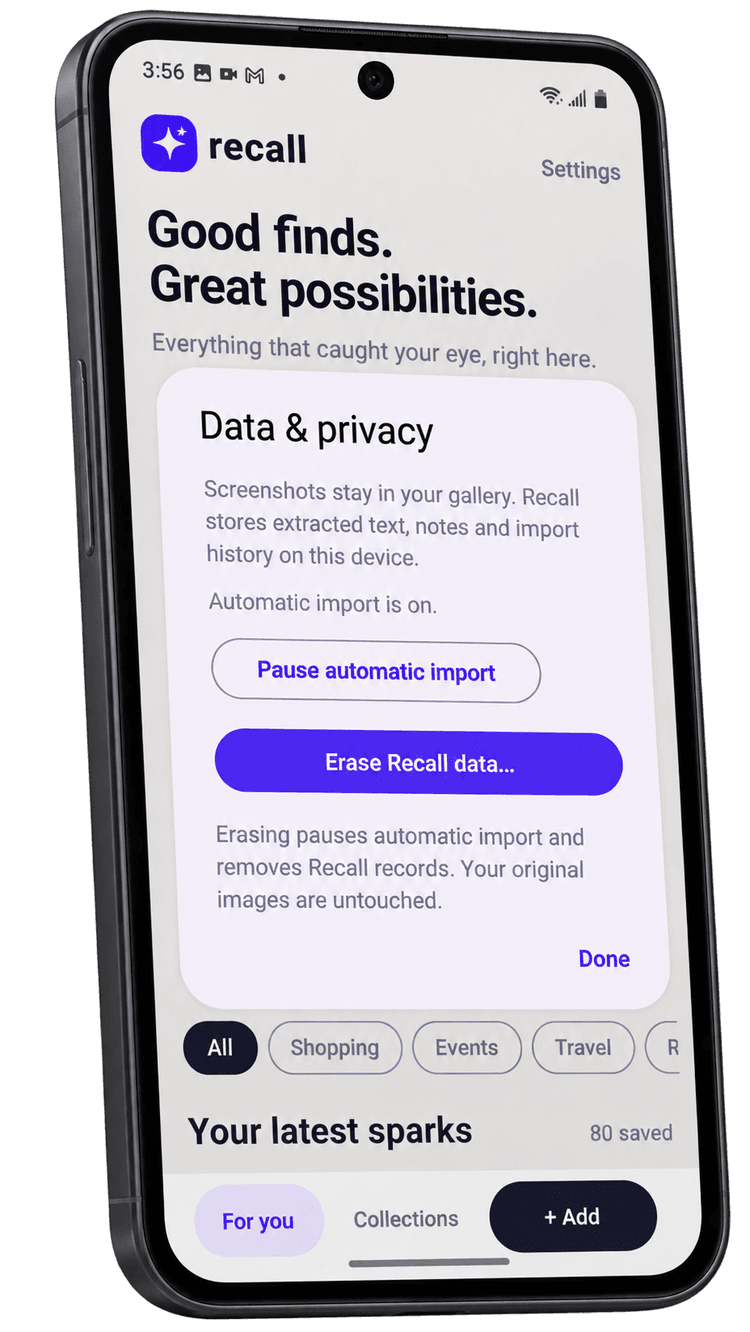
Erase what Recall stores from Data & privacy. Your original photos stay where they are.
Made for the things you mean to come back to
Sneakers, blue pair
Example save. Text recognition covers supported Latin-script text.
See it on your phone
Home, collections and details.
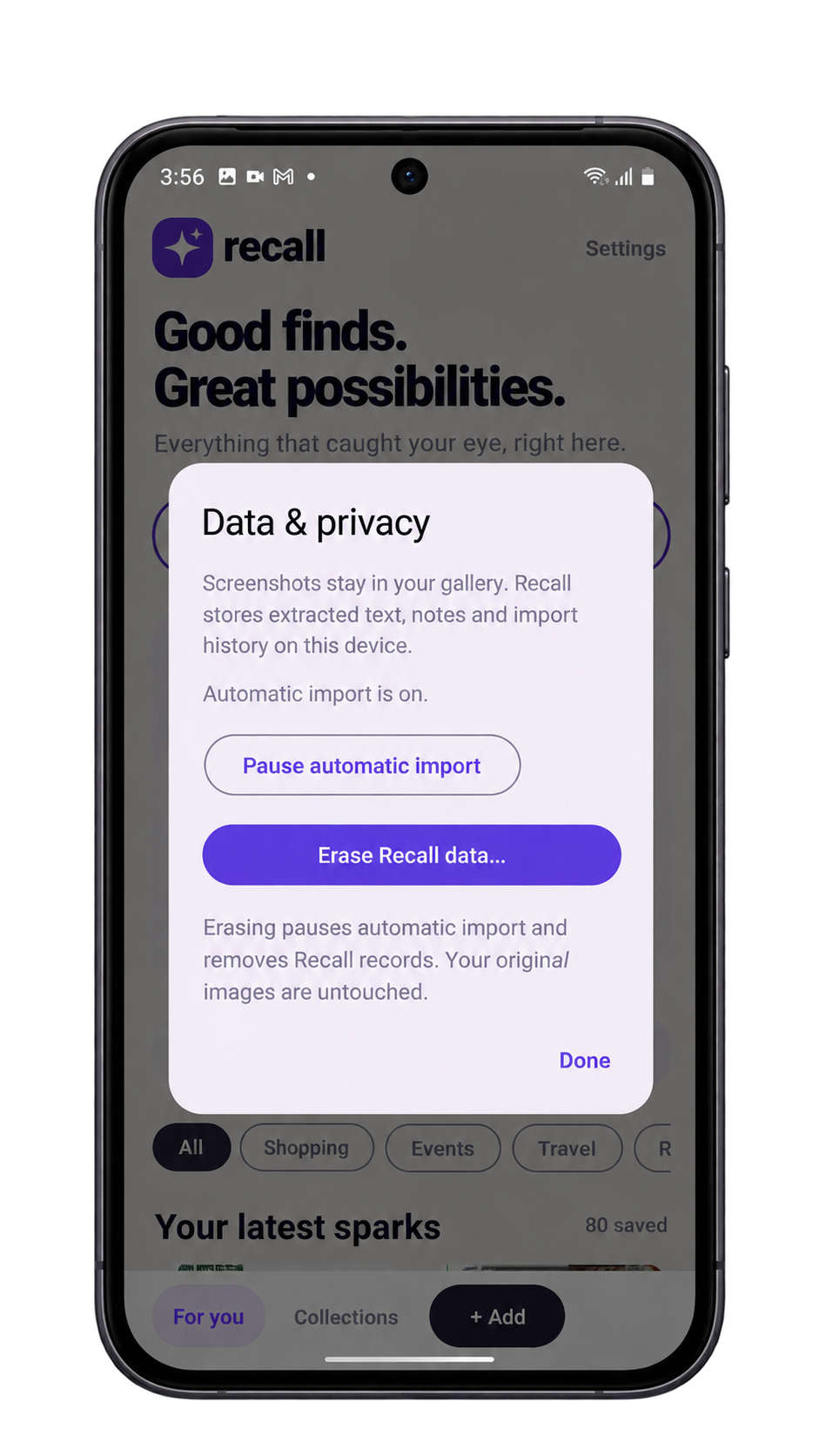
Your gallery stays yours
You decide what Recall can access and whether it imports on its own.
Good to know
Which languages can Recall read?
Text recognition supports Latin-script text. Bangla text recognition isn’t supported yet. Accuracy also depends on how clear the image and text are.
Does Recall understand what’s in a photo?
No. Recall reads text and uses your titles and notes. It doesn’t identify objects or scenes.
Why isn’t automatic import instant?
Android limits background activity, so the timing of automatic import can vary. You can always add screenshots manually.
Does Recall move or delete my screenshots?
No. Originals stay in your gallery, and erasing Recall data leaves them untouched.
Is there cloud sync or backup?
Cloud sync, cross-device access and backup/restore aren’t listed among Recall’s features.
Find it. Organize it. Remember why.
Get Recall for Android and give your screenshots a reason to be found.
